Attendee Toolkit
To help you share the news that you are attending the conference with your network, we have put together a social media toolkit.
Email Signatures: Ready to add to your email.
Choose the image you want to use, then click it to download. Be sure to use this URL to link the image.
 |  |  |  |
Social Media Images: Ready to go or customize
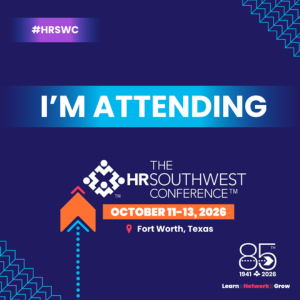
1. Ready-to-Post Image: A complete, finalized graphic you can share immediately with no editing required.
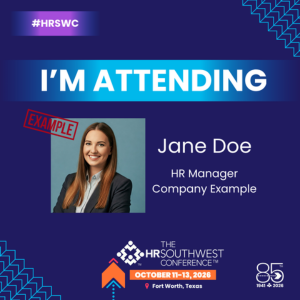
2. Canva Template Link: If you’d like to customize your graphic, you can use: https://canva.link/azrrlpfbkm46e27 . Upload your headshot, insert your information, and export.
Example Image: A reference showing how the completed custom graphic is intended to look.
3. Background Image: If you prefer to use your own design software (such as Photoshop or Illustrator), you can use this background and add your photo and text on top, following the layout of the example image.
 |  |  |
LinkedIn: The HRSouthwest Conference
Instagram: @hrsouthwest
Facebook: The HRSouthwest Conference
 Contact Us
For registration questions, email: attendees@hrsouthwest.com
For exhibitor and sponsor questions, email: exhibitors@hrsouthwest.com
For questions about speaking, email: erin@dallashr.org
(214) 631-8775


